![WFI_Logo_Color_Small-1.png]](https://we.workforimpact.com/hs-fs/hubfs/WFI_Logo_Color_Small-1.png?height=40&name=WFI_Logo_Color_Small-1.png)
Having a valid payment method will ensure that the contractor you hire will get paid once they start working on your project. You can either set up a direct payment method or add a credit card to your account.
To add a credit card, please follow the steps below:
- Click "Payment Methods" under "Billing" on the left navigation menu once you are signed in to your account.

- On the "Payment Methods" page, click the "Add Payment method" button
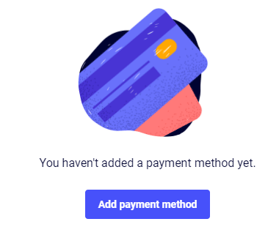
- Add your credit card number and the information associated with it
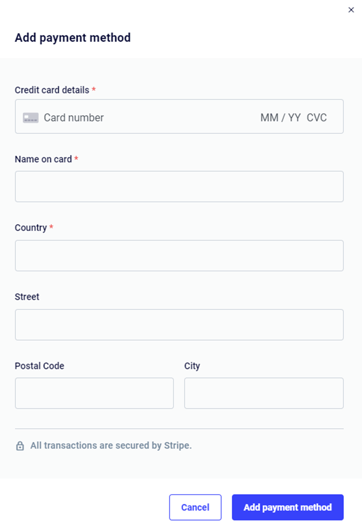
- Double-check that the information you've entered is correct, then click the "Add payment method" button again to submit it.
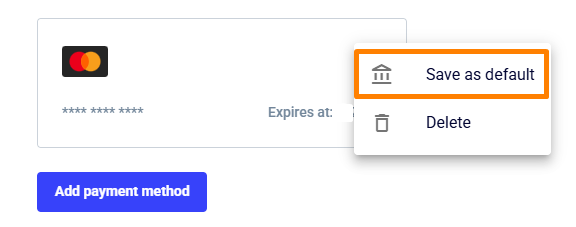
Important: If multiple cards are added, please select the card you wish to use as the Default payment method. If only one card is added, it will automatically be set as default.
For direct payment method, please reach out to us at success@workforimpact.com.